
Adding and editing training items
Open the worker’s profile and navigate to the Training and Qualifications tab in the lower section of the screen.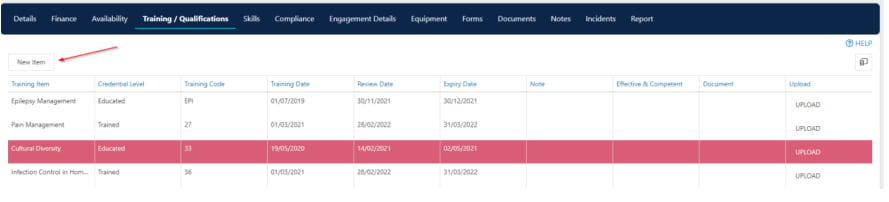
- Click New Item to add a new training record
- Double-click an existing item to edit it
- Enter details such as the training item name, completion date, and expiry date where applicable
Running into issues?
See Worker management troubleshooting for common errors and fixes.Related articles
Adding skills
Add skills to a worker profile
Managing worker compliance
Track compliance items on a worker profile
Compliance workflows and settings
Configure training items in Maintenance