
Viewing leave requests
Leave request notifications appear as a KPI on the VCore home page. Click the link to view pending requests.

Approving or rejecting leave
Click Approve or Reject on any pending leave request.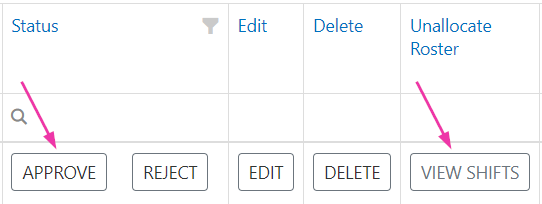

Bulk editing leave requests
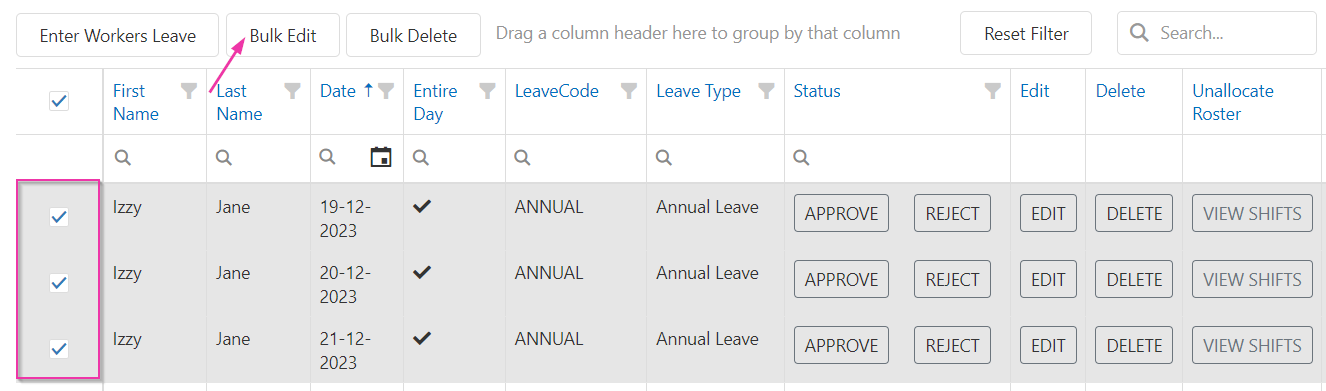
To approve or reject multiple leave days at once, or to unallocate shifts in bulk:- Tick the relevant items
- Click Bulk Edit
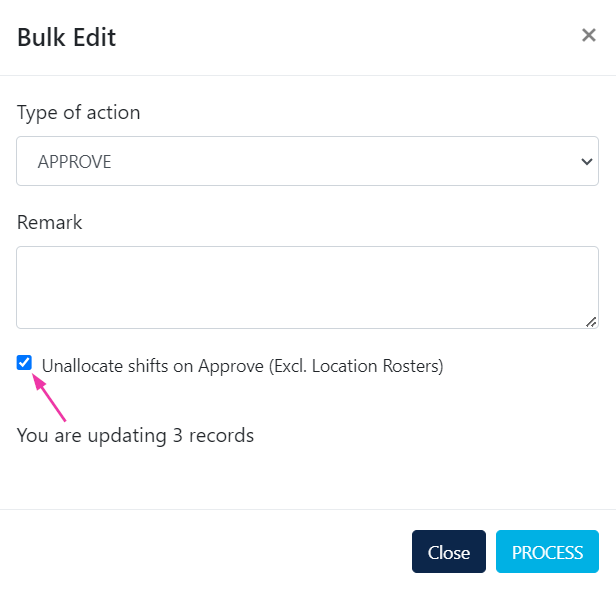
- Update the actions needed
- Click Save
Editing leave requests
Leave requests submitted by a worker are editable by office users in VCore. Click Edit to:- Assign a leave type
- Add notes
- Delete the leave request if needed
When an office user enters leave directly through VCore, it is automatically approved on save.
Configuring leave types
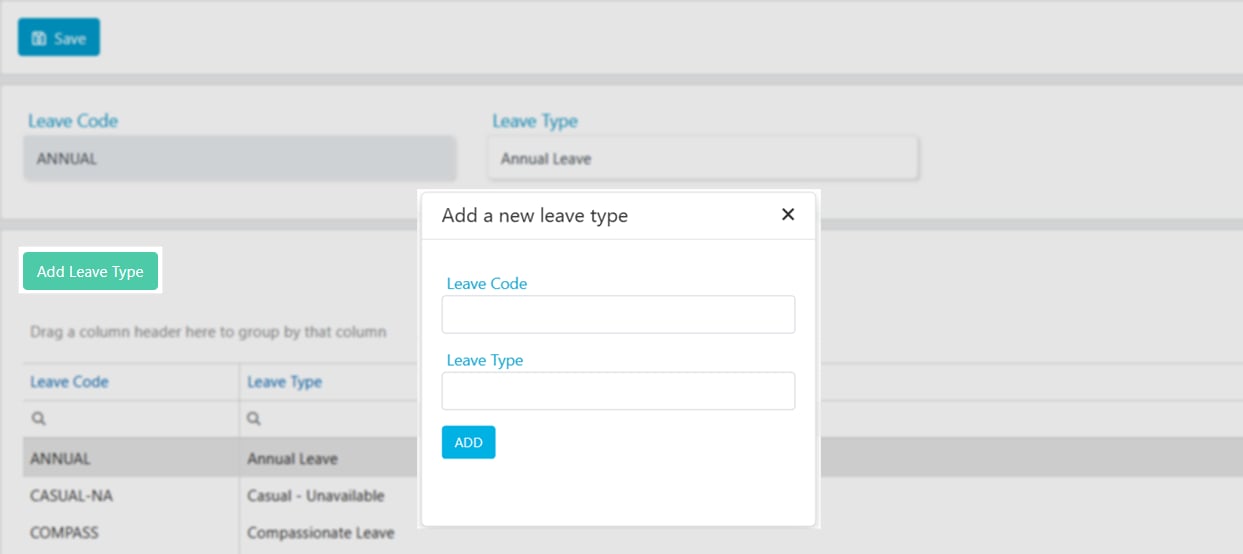
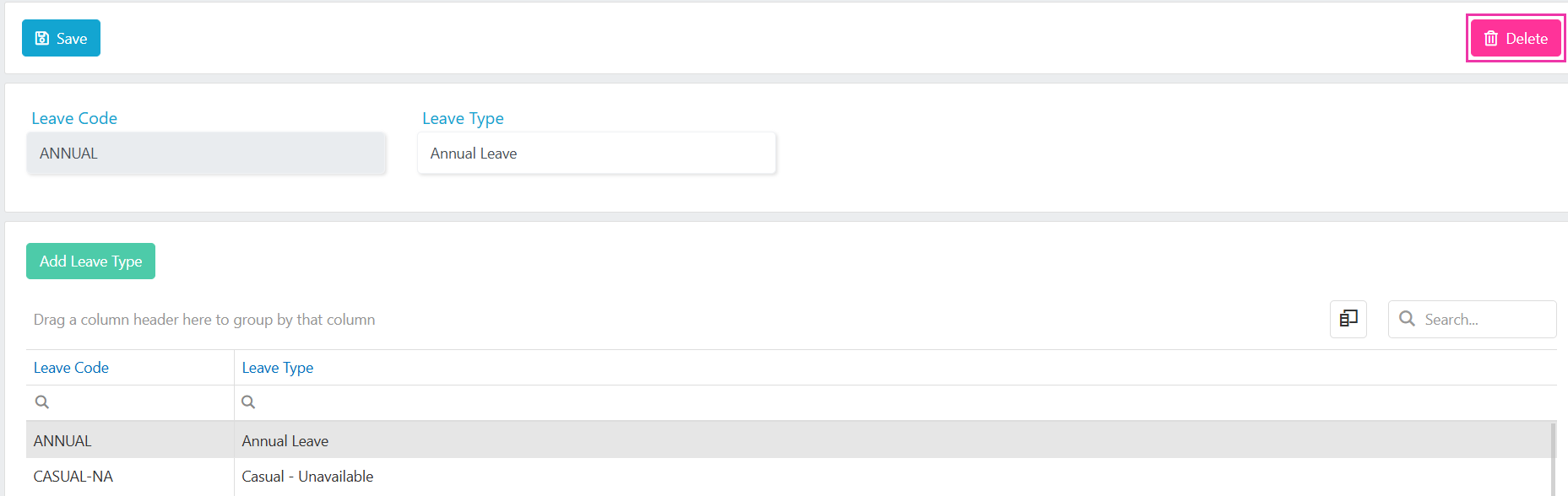
Leave types are managed in Maintenance → Workers → Leave Type. To add a new leave type:- Go to Maintenance → Workers → Leave Type
- Click Add Leave Type
- Enter a Leave Code and Leave Type
- Click Add
Running into issues?
See Worker management troubleshooting for common errors and fixes.Related articles
Managing availability
Set worker availability patterns
Compliance workflows and settings
Configure leave types and other worker settings
vOnboard and Vworker access
Set up worker access to mobile apps