
What you’ll need
- Access to the Workers module in VCore
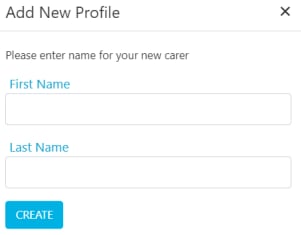
- The worker’s first and last name (at minimum)
Instructions
1
Open the worker list
Go to Workers → Profile to open the worker list. You’ll see all current workers listed here.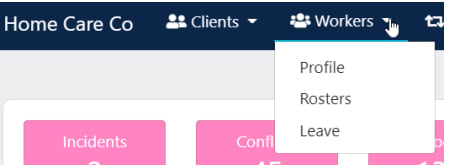
2
Add a new worker
Click Add Worker at the top of the list.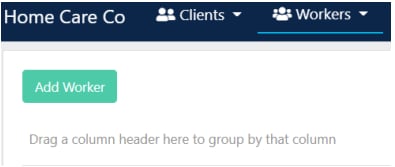
3
Complete the profile header
The worker profile opens with tabs and basic information at the top of the screen, along with additional tabs and more detailed subsections at the bottom.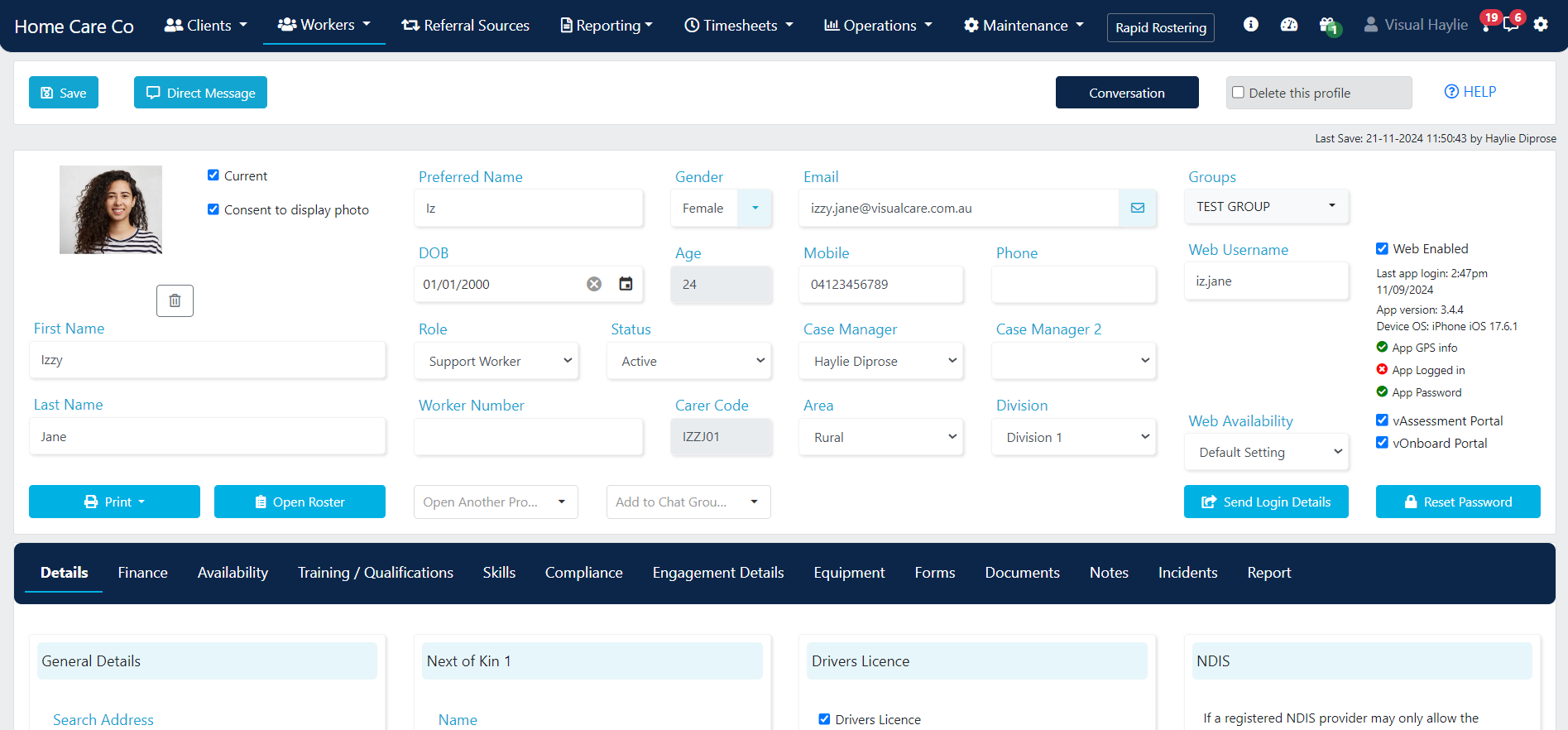
- Areas - configured in Maintenance → Areas
- Divisions - configured in Maintenance → Divisions
- Groups - configured in Maintenance → Groups
- Payers - configured in Maintenance → Payers
4
Fill in general details
Open the Details tab to enter the worker’s general information such as address, languages, and allergies.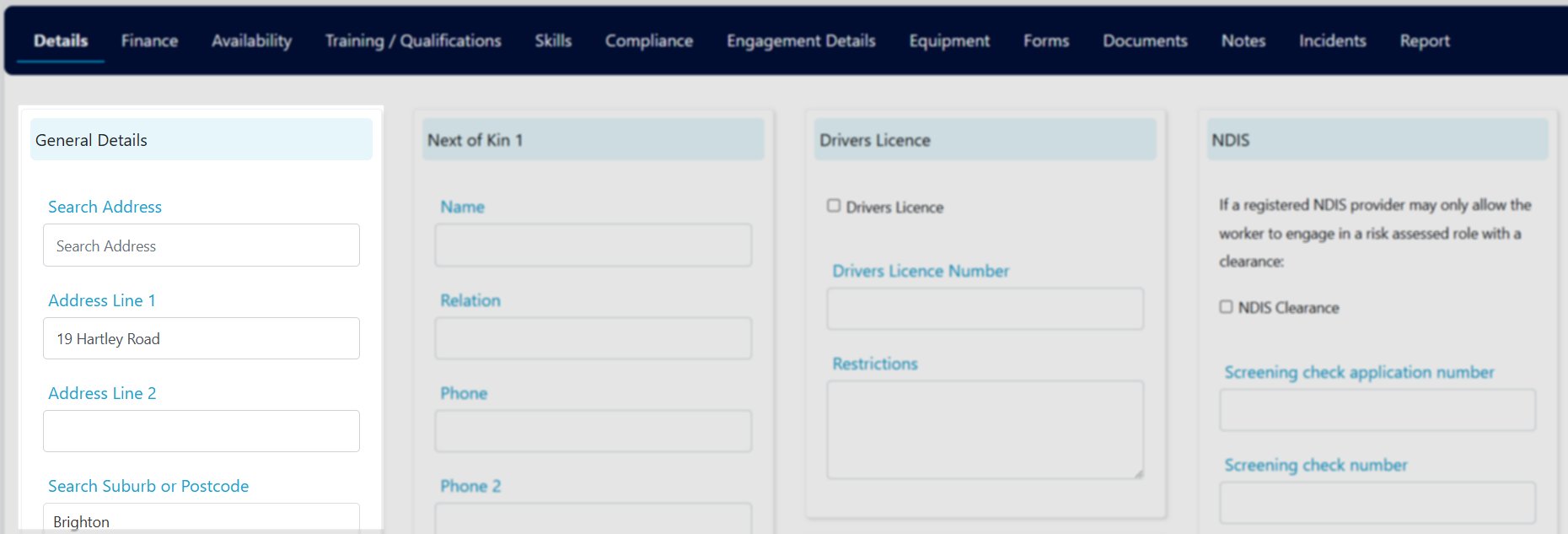
5
Add next of kin
In the Next of Kin section, enter contact details for up to two next of kin contacts.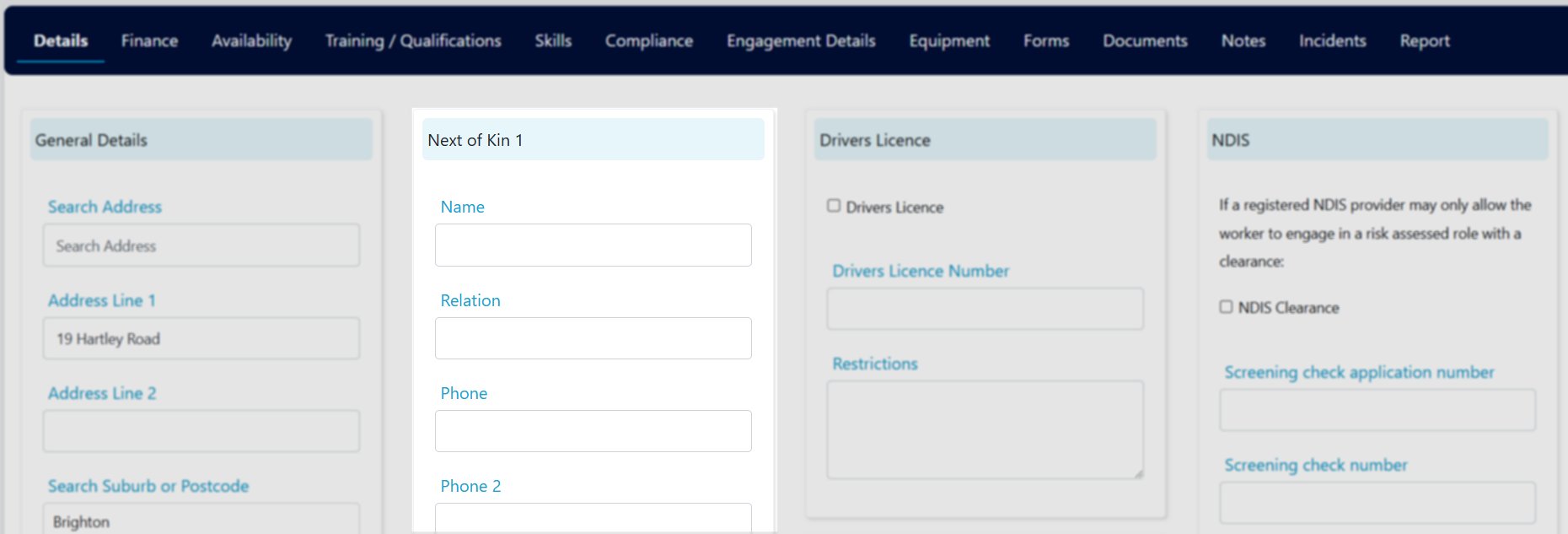
6
Enter driver's licence details
If the worker holds a driver’s licence, tick Drivers Licence and enter the relevant details.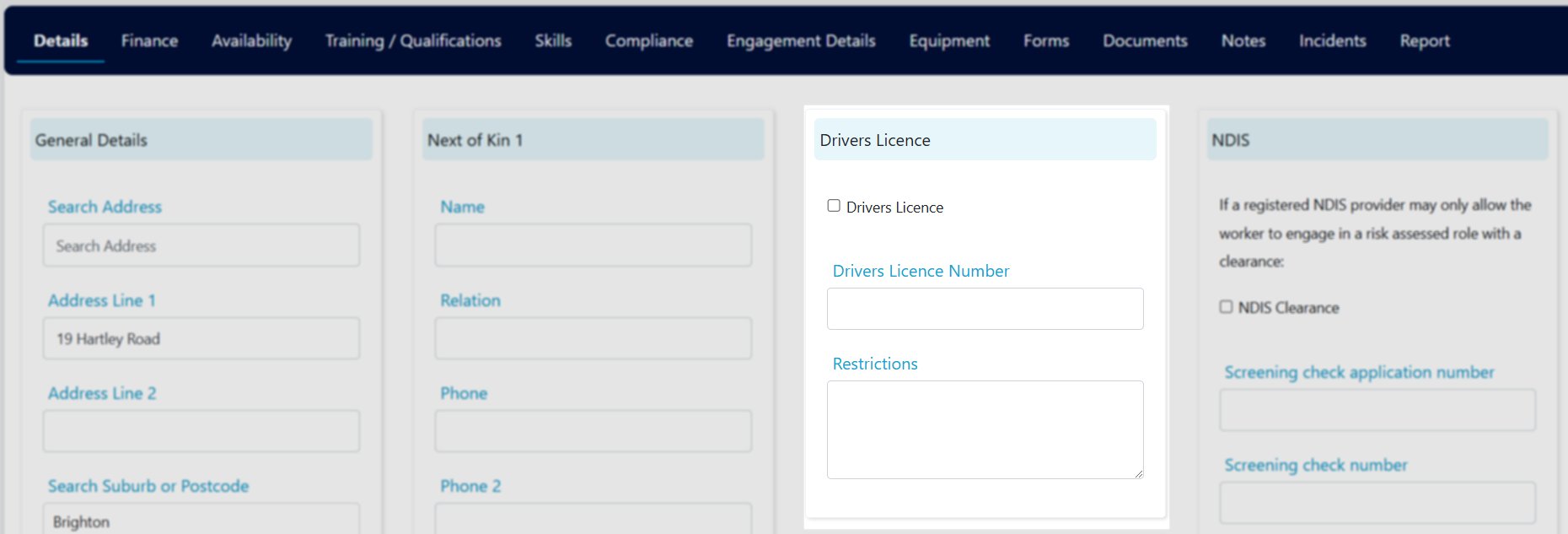
7
Add NDIS clearance details
Enter the worker’s National Disability Insurance Scheme (NDIS) clearance details.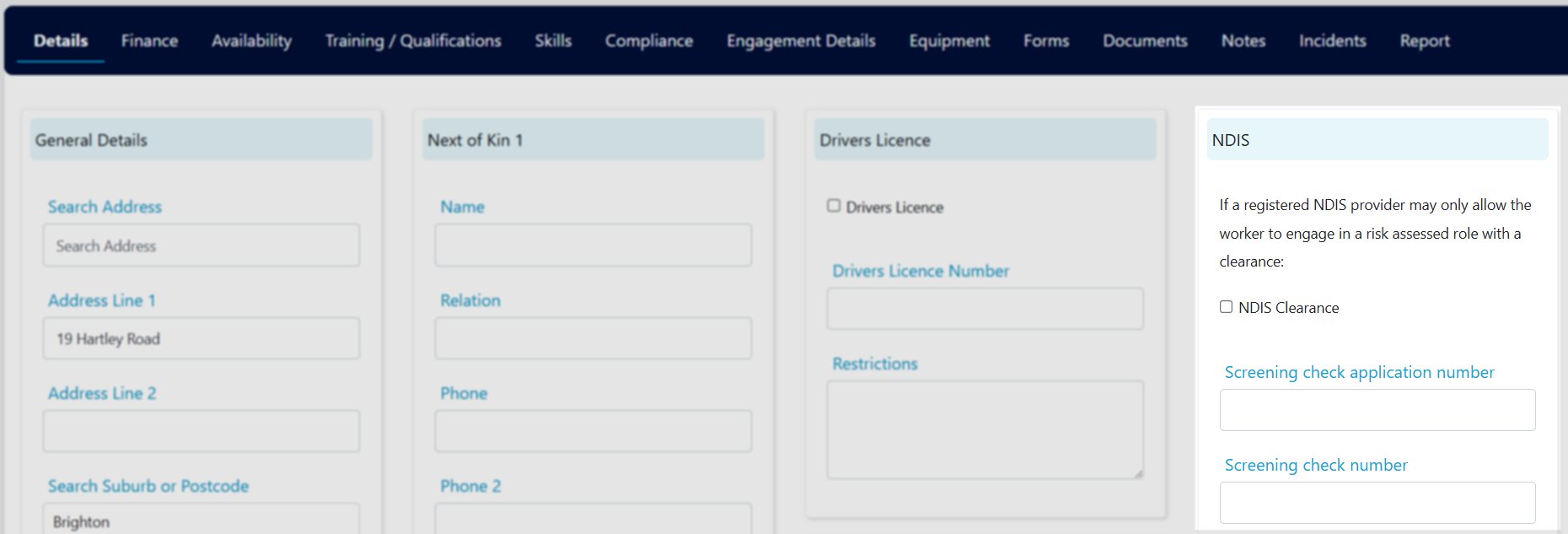
8
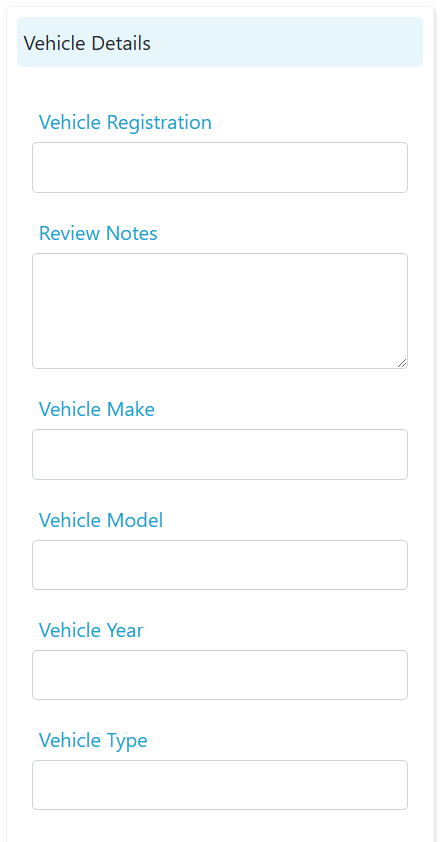
Enter vehicle and insurance details
If applicable, fill in the worker’s vehicle insurance details (policy number and insurance type) and vehicle details (including registration number).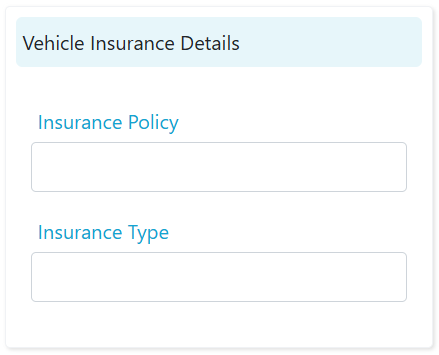
9
Add auditor details (if applicable)
Enter auditor details including name and date where relevant.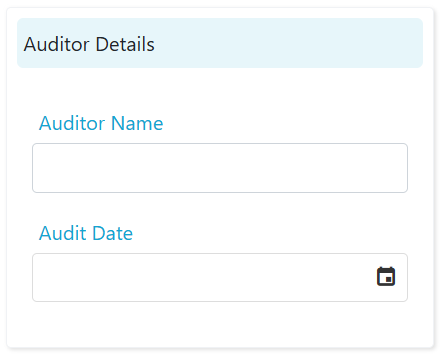
10
Save the profile
Click Save at the top of the profile to save all changes. Continue populating the remaining tabs (skills, training, compliance, finance, and so on) as needed.
Worker type, role, and employment type
Three fields on the worker profile serve different purposes:Customising the worker list
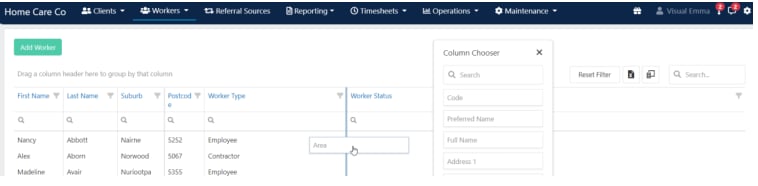
You have several options for customising how the worker list displays.Column chooser
Click the column chooser icon in the top right corner to add additional headings to the worker list.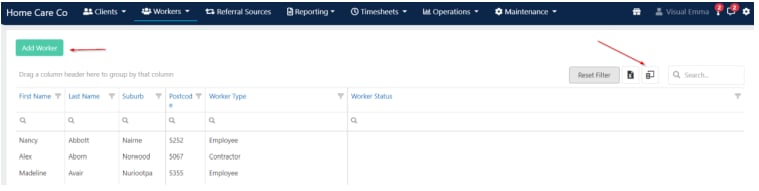
Export to Excel
Export the worker list data to Excel by clicking the Excel icon.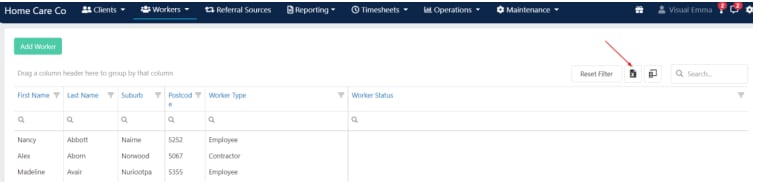
Populating profiles via vOnboard
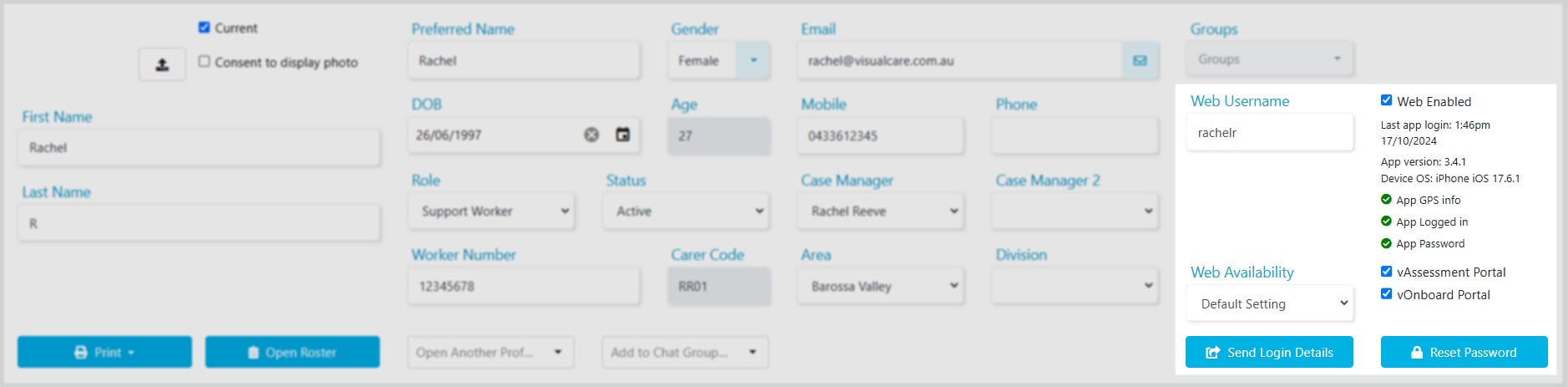
Worker details don’t need to be entered manually. Workers complete their own details through the vOnboard portal. To give a worker access to vOnboard, make sure their profile includes:- First Name
- Last Name
- Web Username
- Web Enabled ticked
- vOnboard Portal ticked
Running into issues?
See Worker management troubleshooting for common errors and fixes.Related articles
Engagement details
Set up award details and employment information
Adding skills
Add skills to a worker profile
Pay rates
Configure bank details and pay rate levels
vOnboard and Vworker access
Set up worker access to onboarding and mobile apps