
This is the data change audit report, not a compliance audit. For compliance-related reports, see Client audit reports and Worker audit reports.
Running an audit report
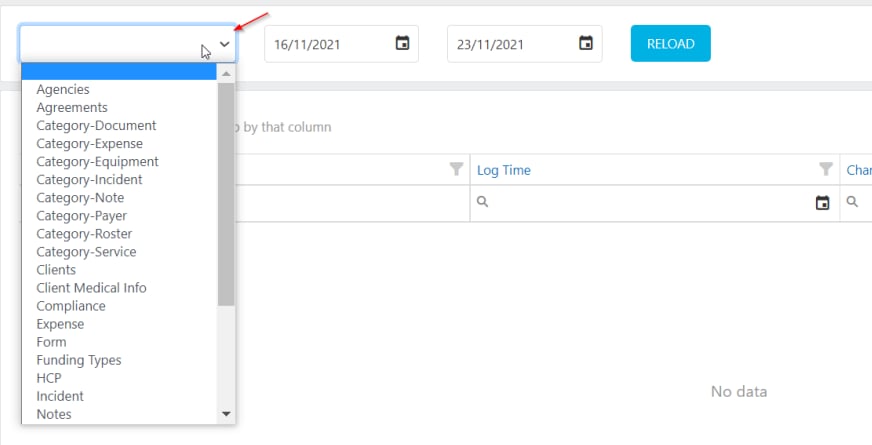
To generate an audit report, navigate to Reports → Audit Report.- Select the module you want to audit from the drop-down menu (for example, Clients, Workers, Rostering, Timesheets)
- Set the date range for the period you want to review
- Click Search to generate the report
Running into issues?
See Compliance troubleshooting for common errors and fixes.Related articles
Client audit reports
Compliance and service reports for your client base
Worker audit reports
Compliance and training reports for your workforce
Required compliance overview
Set up compliance items for clients and workers